Resetting your password
Recover access to your account.
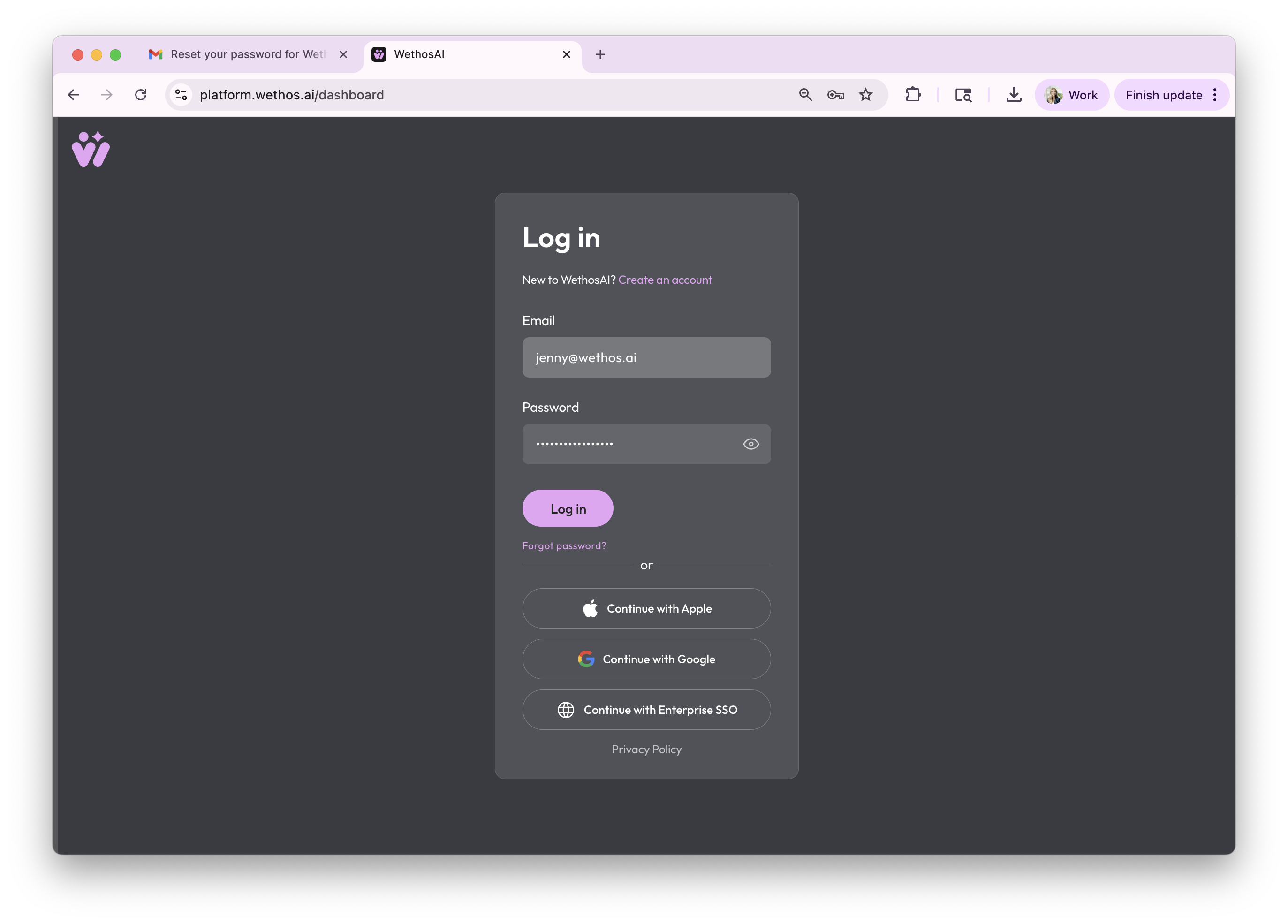
Click Forgot Password
If you're not already at the login screen, go to https://platform.wethos.ai/dashboard and click "forgot password."
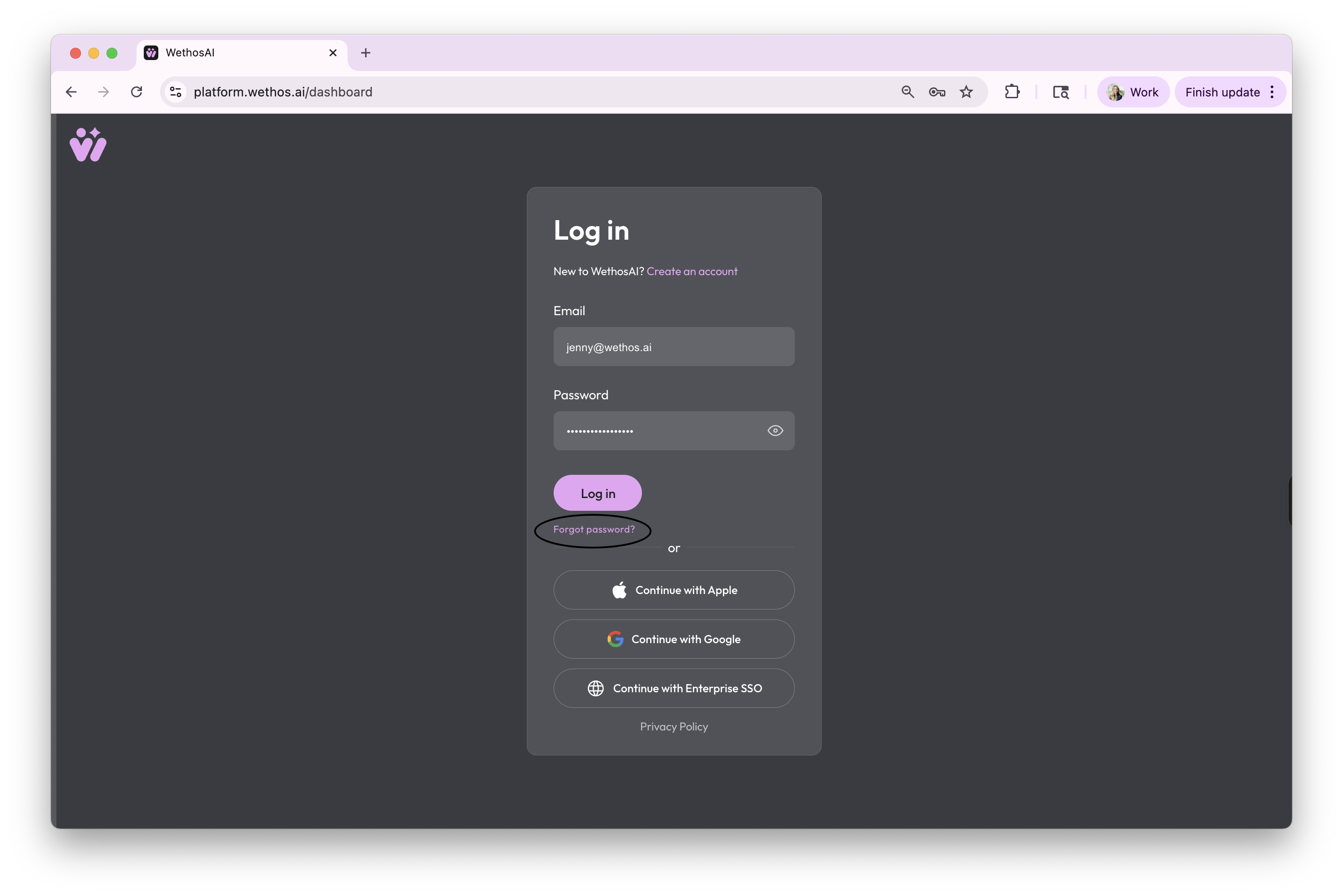
Generate a Reset Link
Enter the email you originally signed up for the WethosAI platform with.
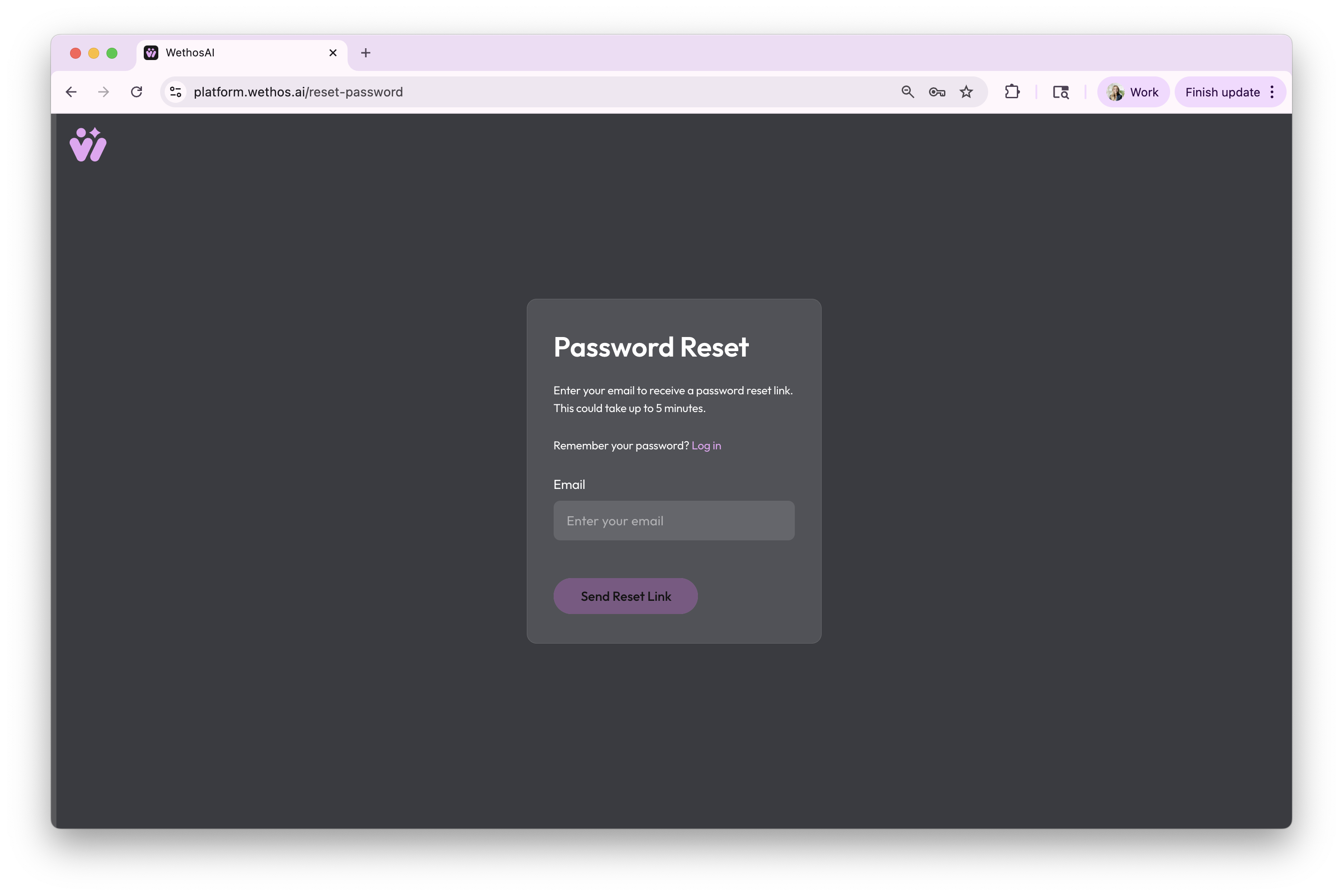
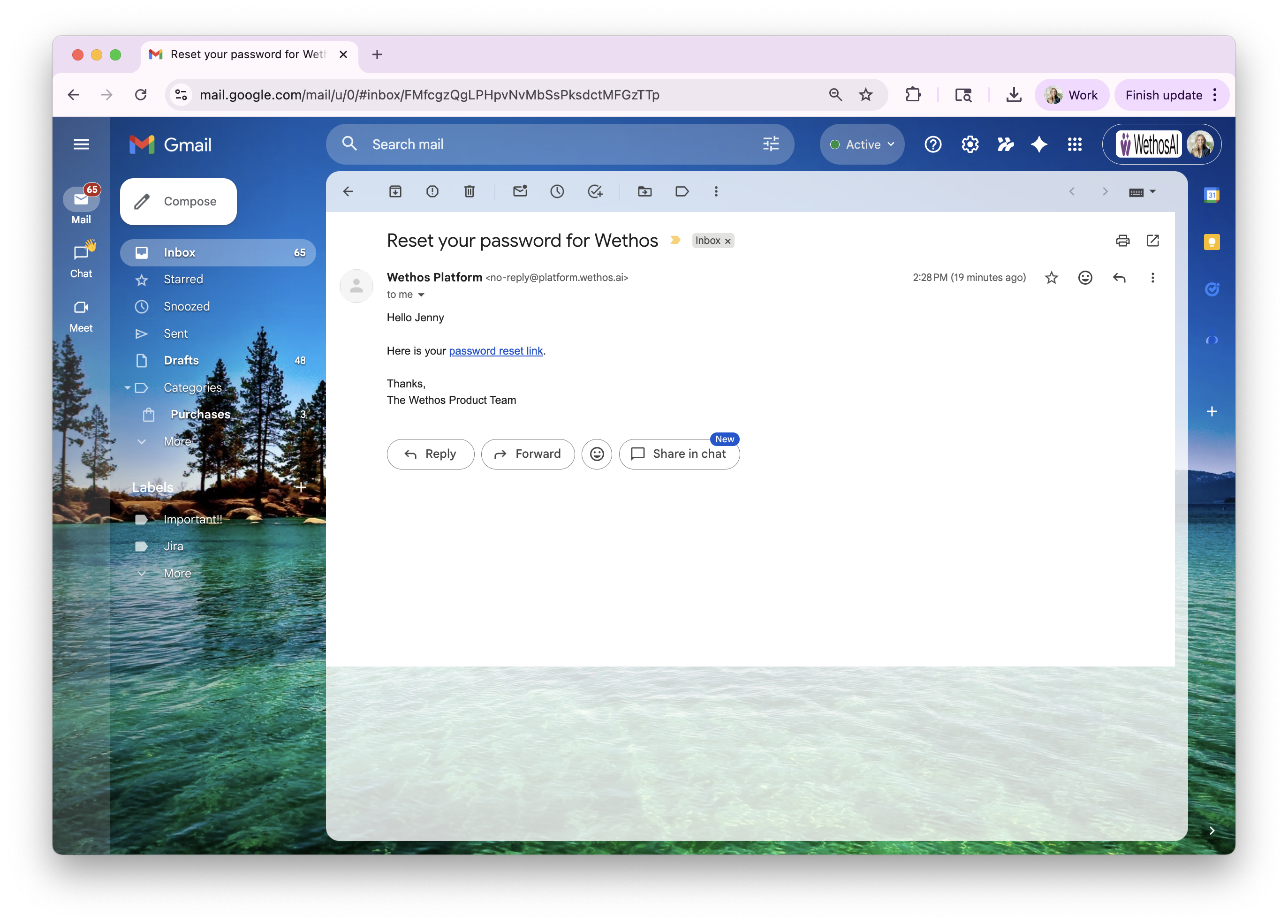
Check your inbox
Look for an email from no-reply@wethos.ai and click the password reset link. If you don't receive the reset email, wait several minutes and check your junk folder. If you still don't see one, submit a support ticket here.
Set a new password
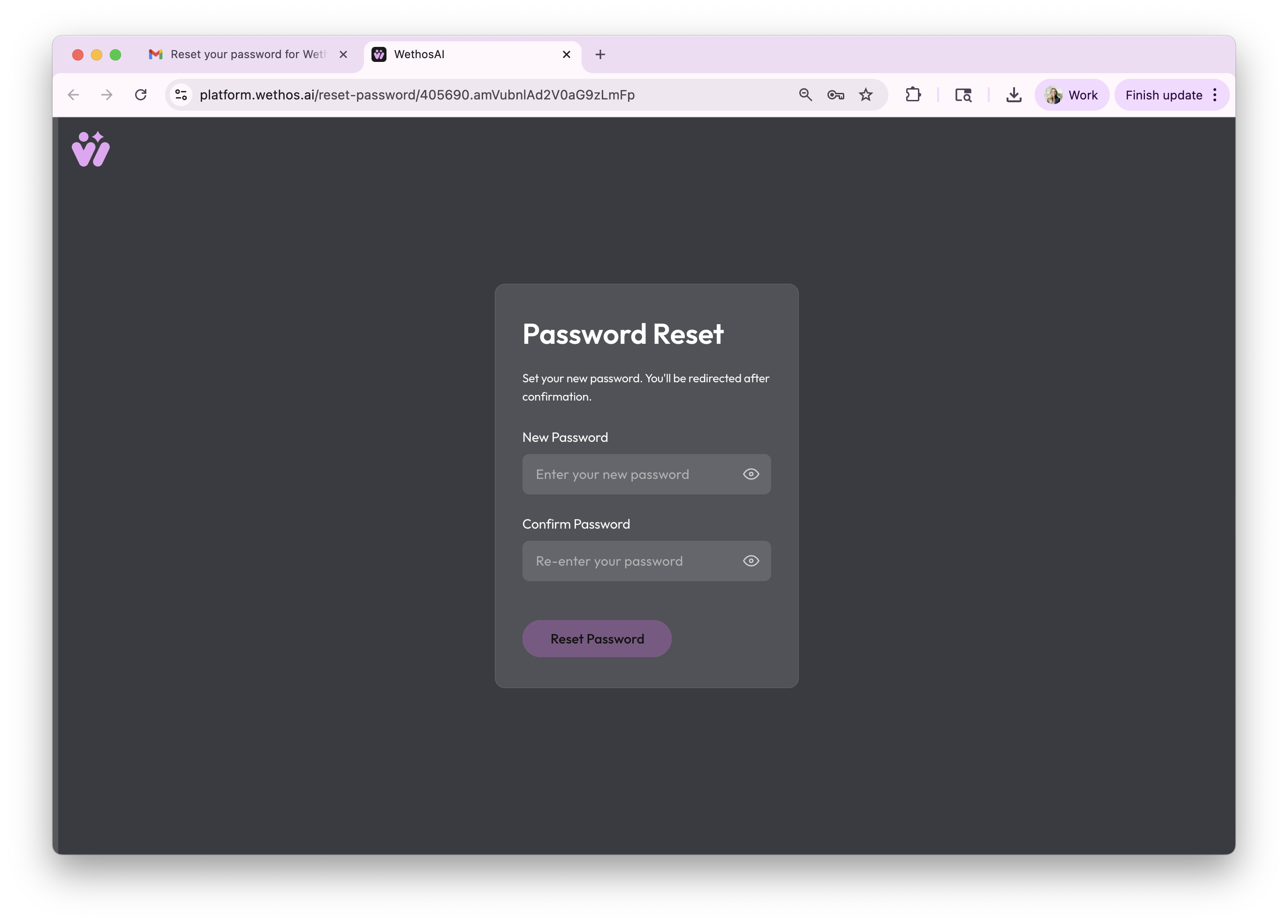
You will be directed to the reset password page, where you can set a new password. The password should have a combination of upper and lower case letters and special characters. The login page will prompt you to try again if your password does not meet our requirements.
Log in!
You will then be redirected to login to the platform after confirming your new password.