
Activating an expired account
AdminExtend expiry and resend a reactivation link.
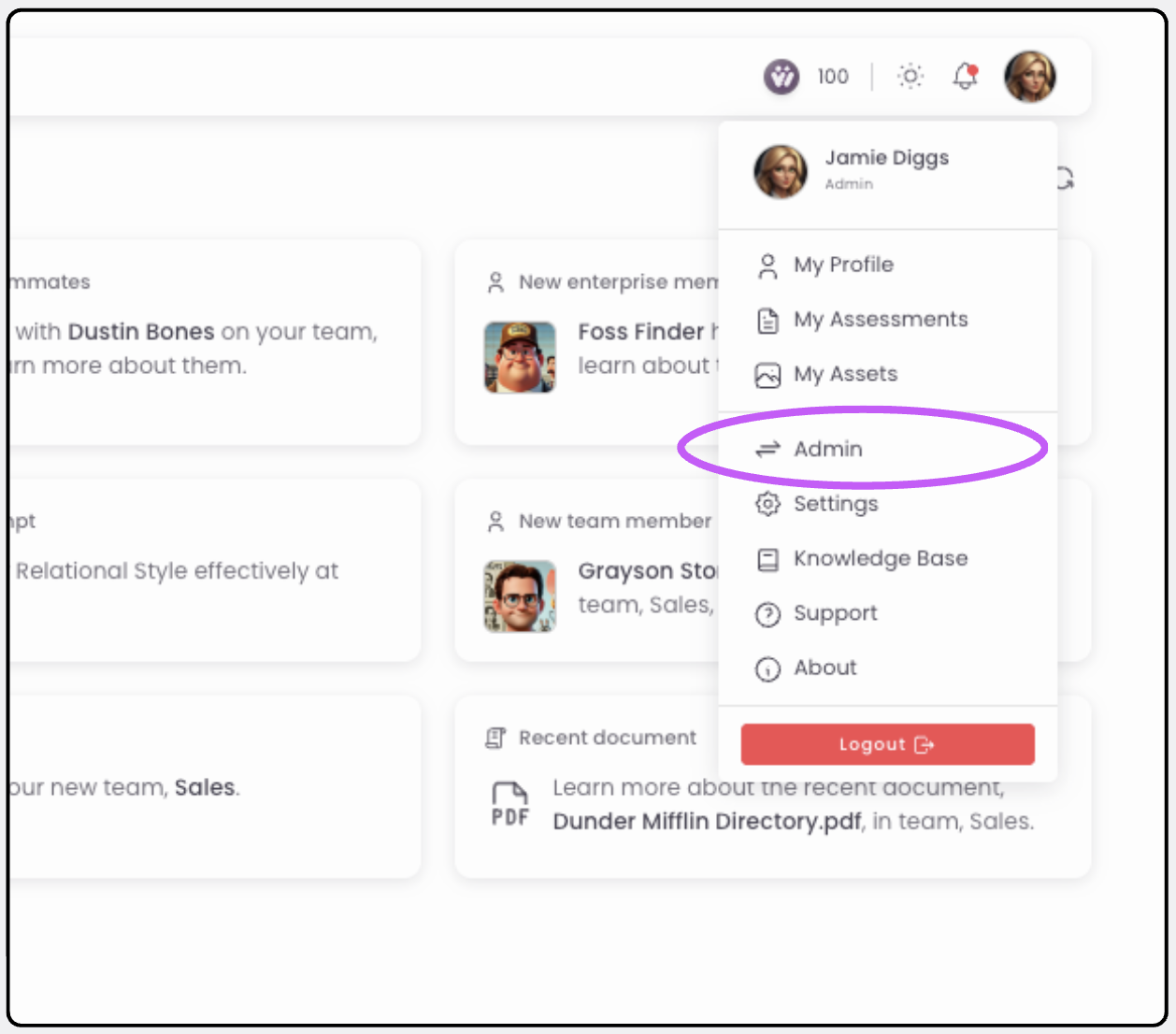
Open the Admin view
Find the expired member
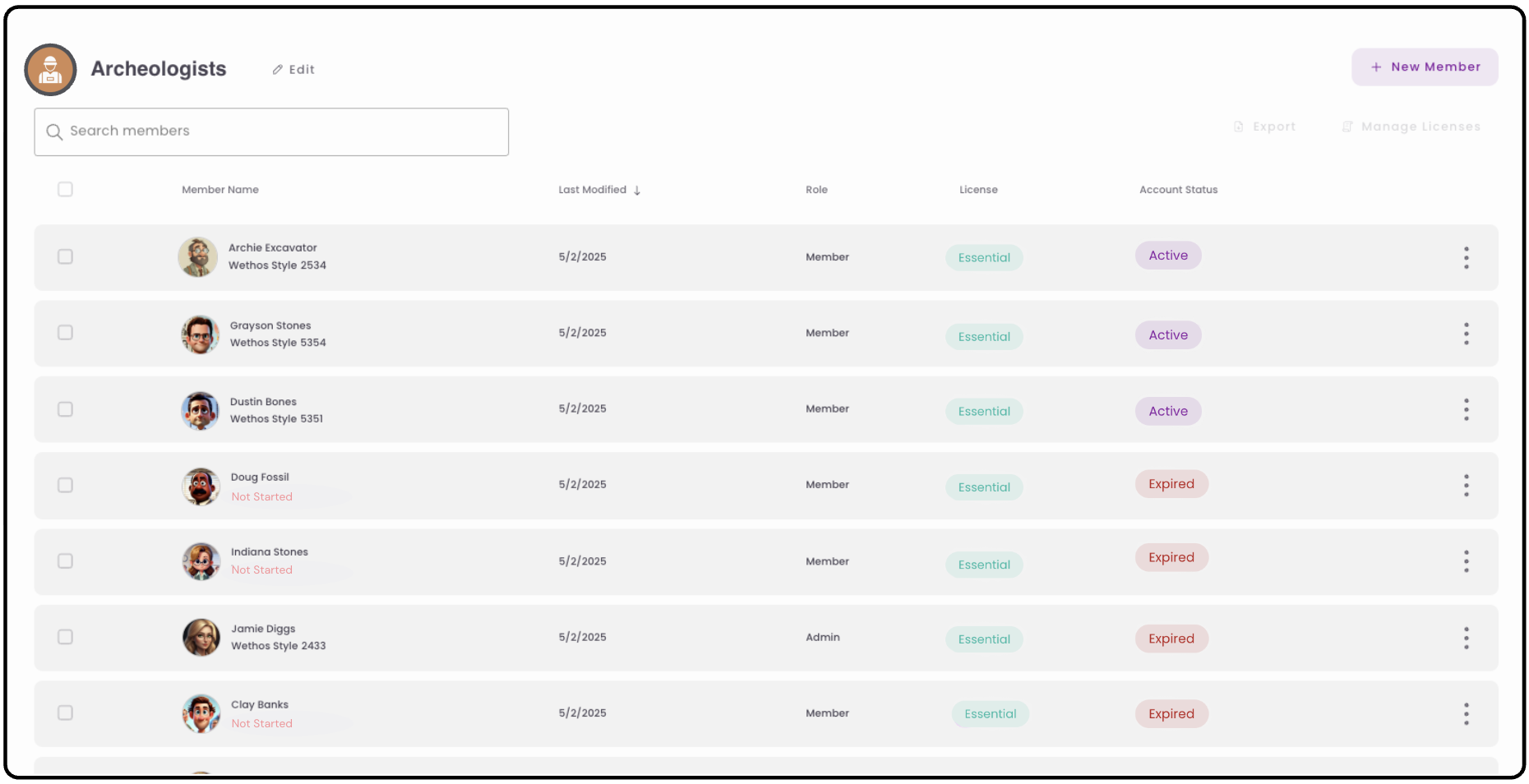
Identify the member with an Account Status listed as Expired.
Open their status
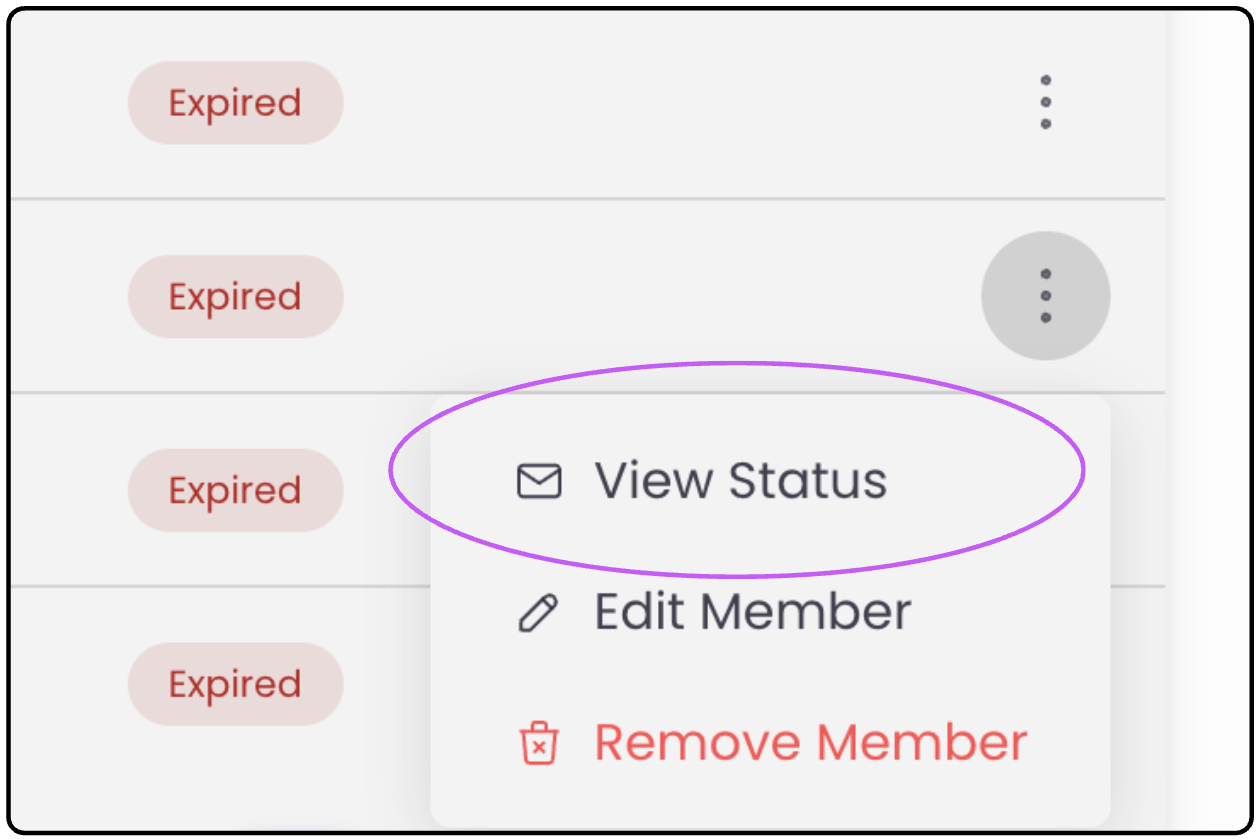
Click View Status.
Extend their expiry
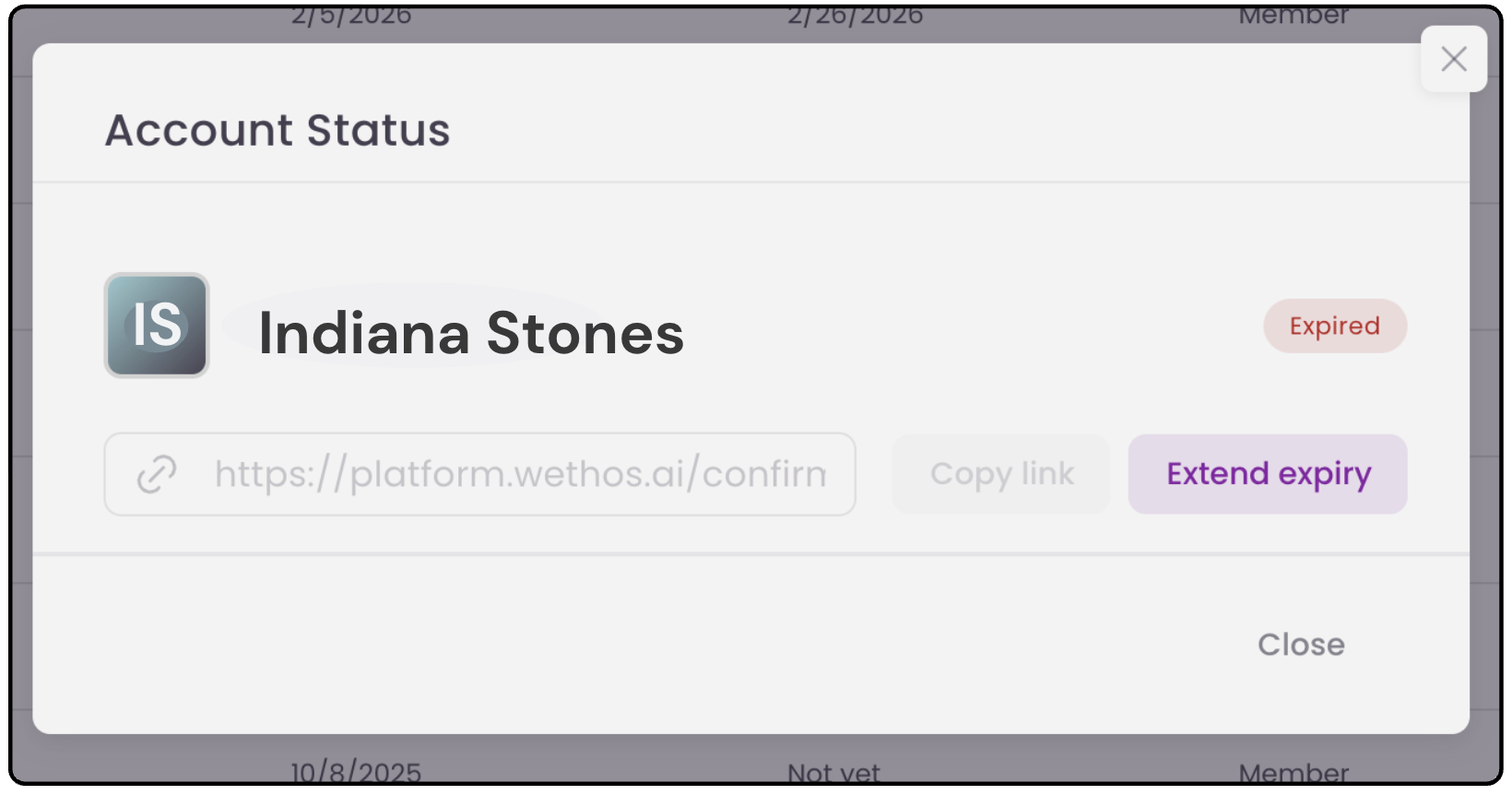
Click Extend expiry to give your member the opportunity to reactivate their account.
What the member receives
The member receives an email from no-reply@wethos.ai and has 14 days to reactivate their account using the link.

Was this article helpful? Reach out if you need more.Contact support