
Getting started
Create your account, set up your profile, and find XO.
WethosAI helps you prepare for decisions and conversations by understanding how the people involved tend to think and respond. That starts with you. Setting up takes a few minutes and has three parts: create your account, build your profile, and meet XO, the AI assistant.
If you meet a term you do not know, Words we use has a plain definition of each one.
Create your account
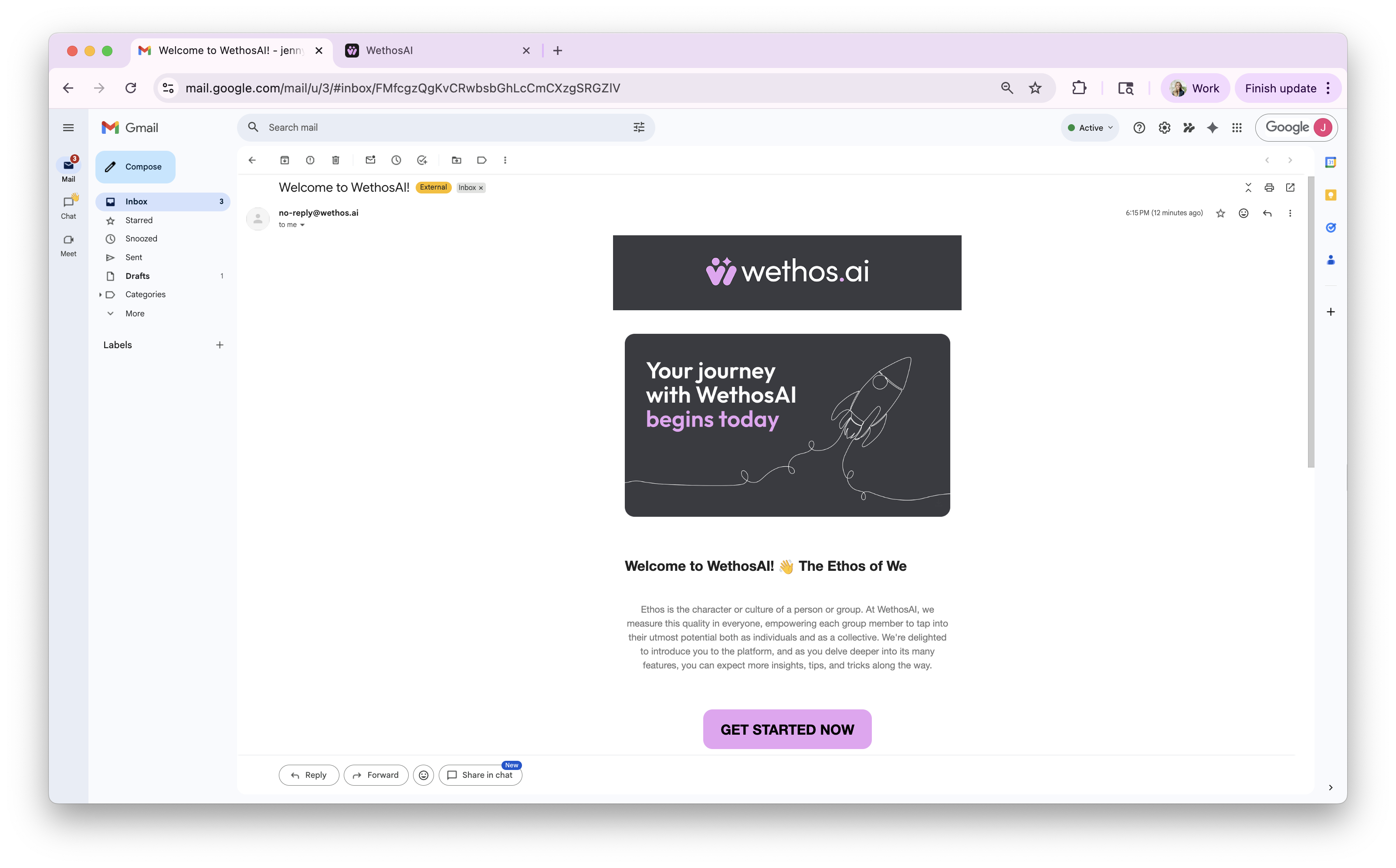
You will receive an email from WethosAI. Click Get Started Now.
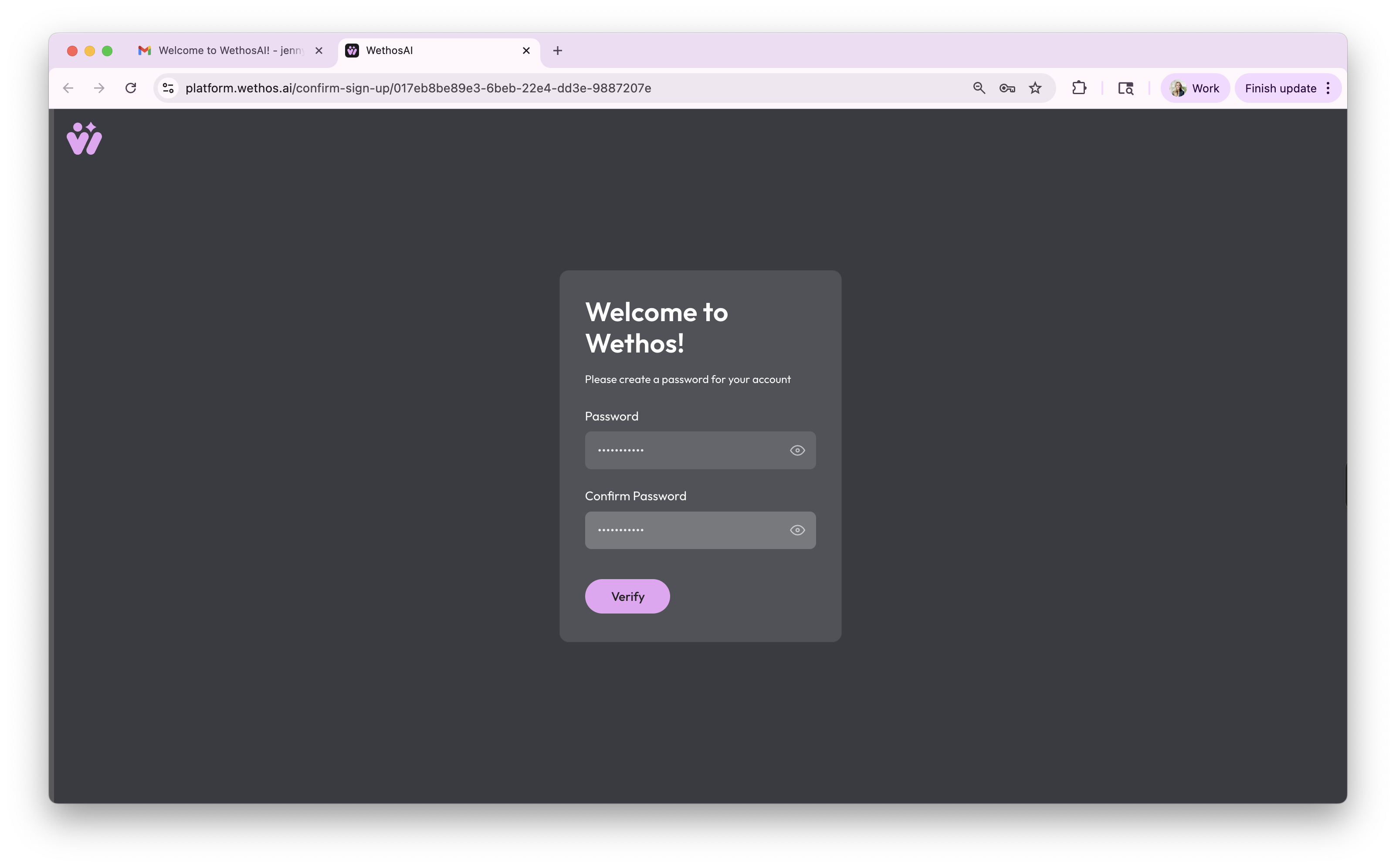
Create a password and click Verify.
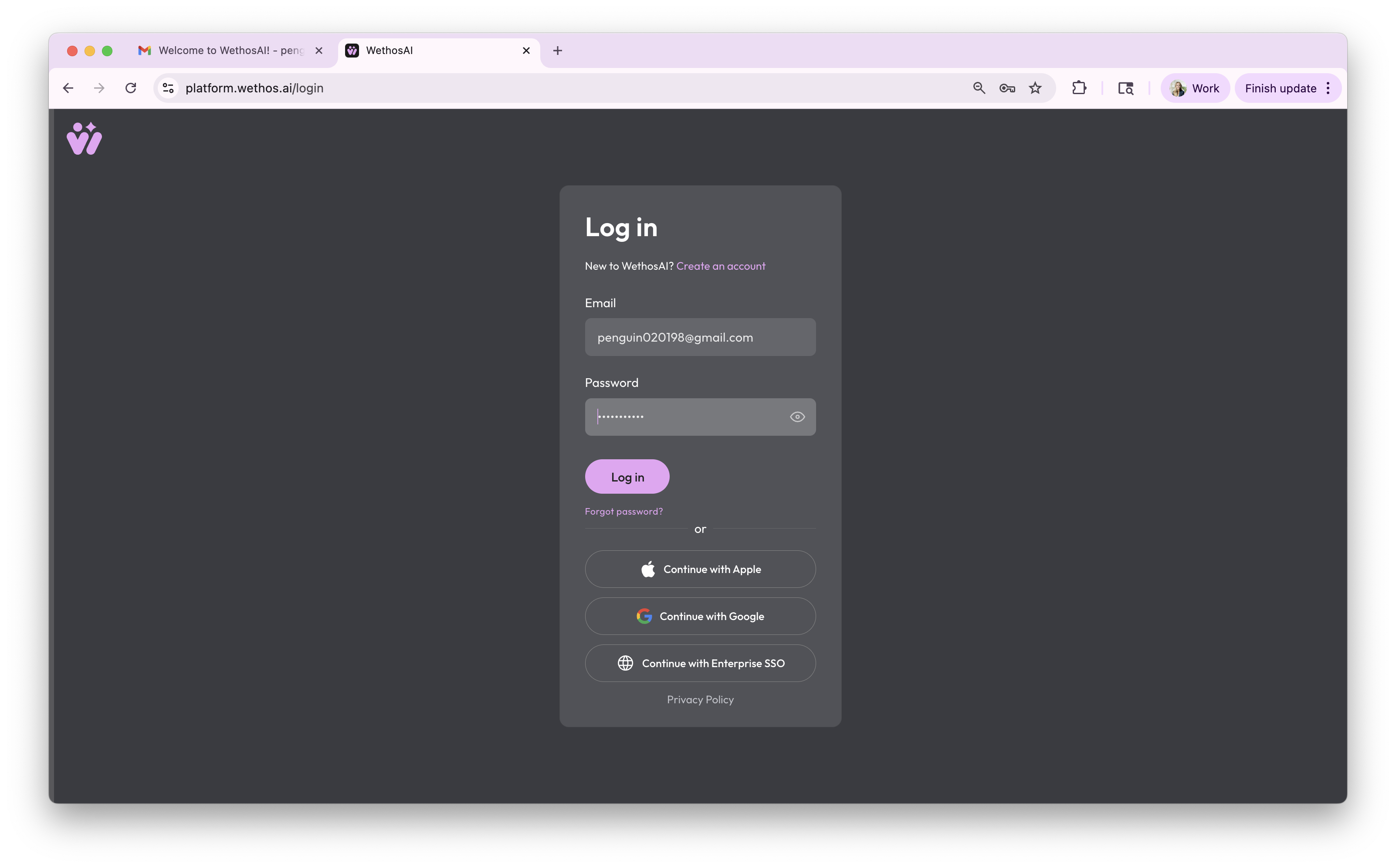
Log in. You will be asked to agree to the End-User License Agreement and the Community Guidelines.
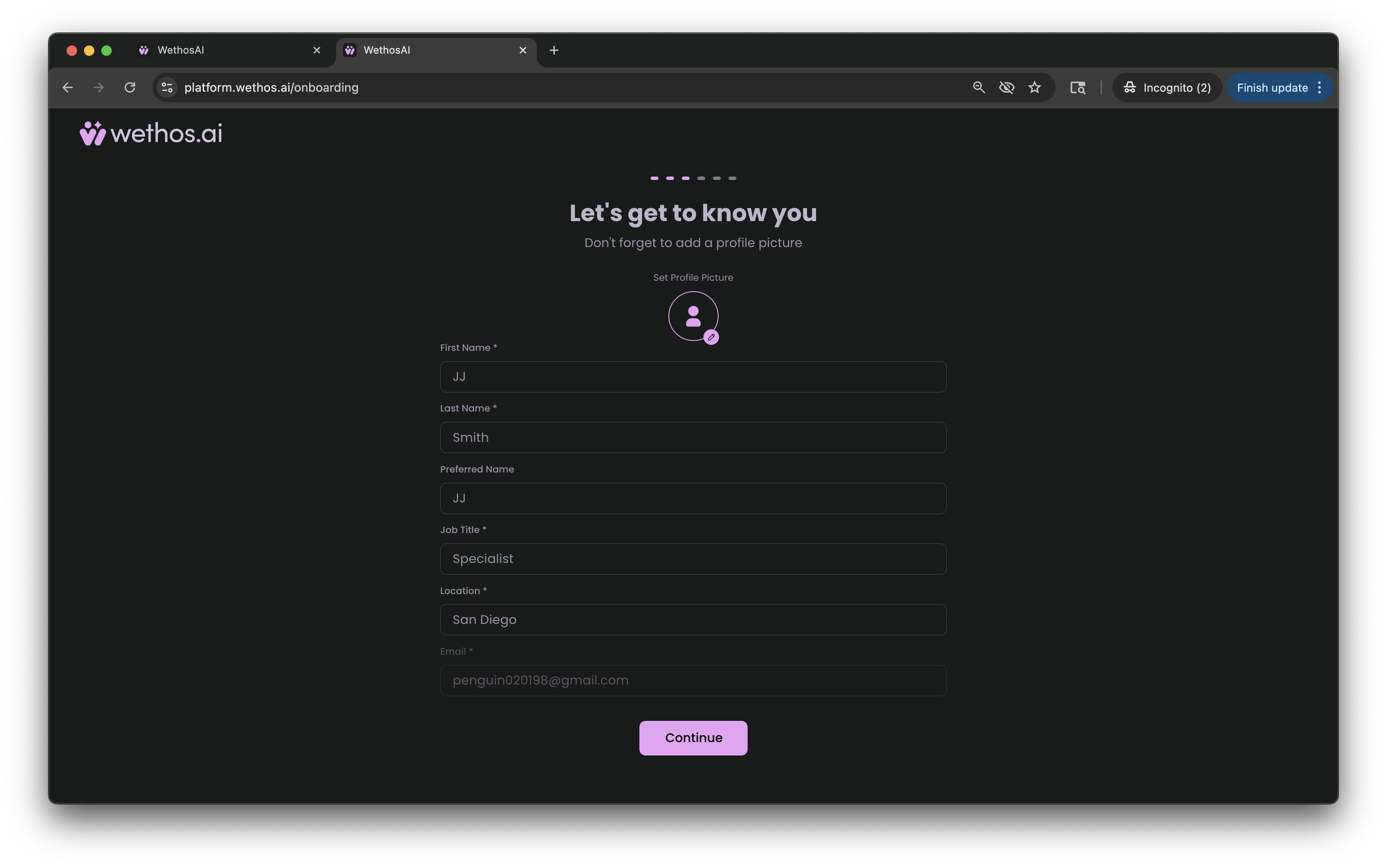
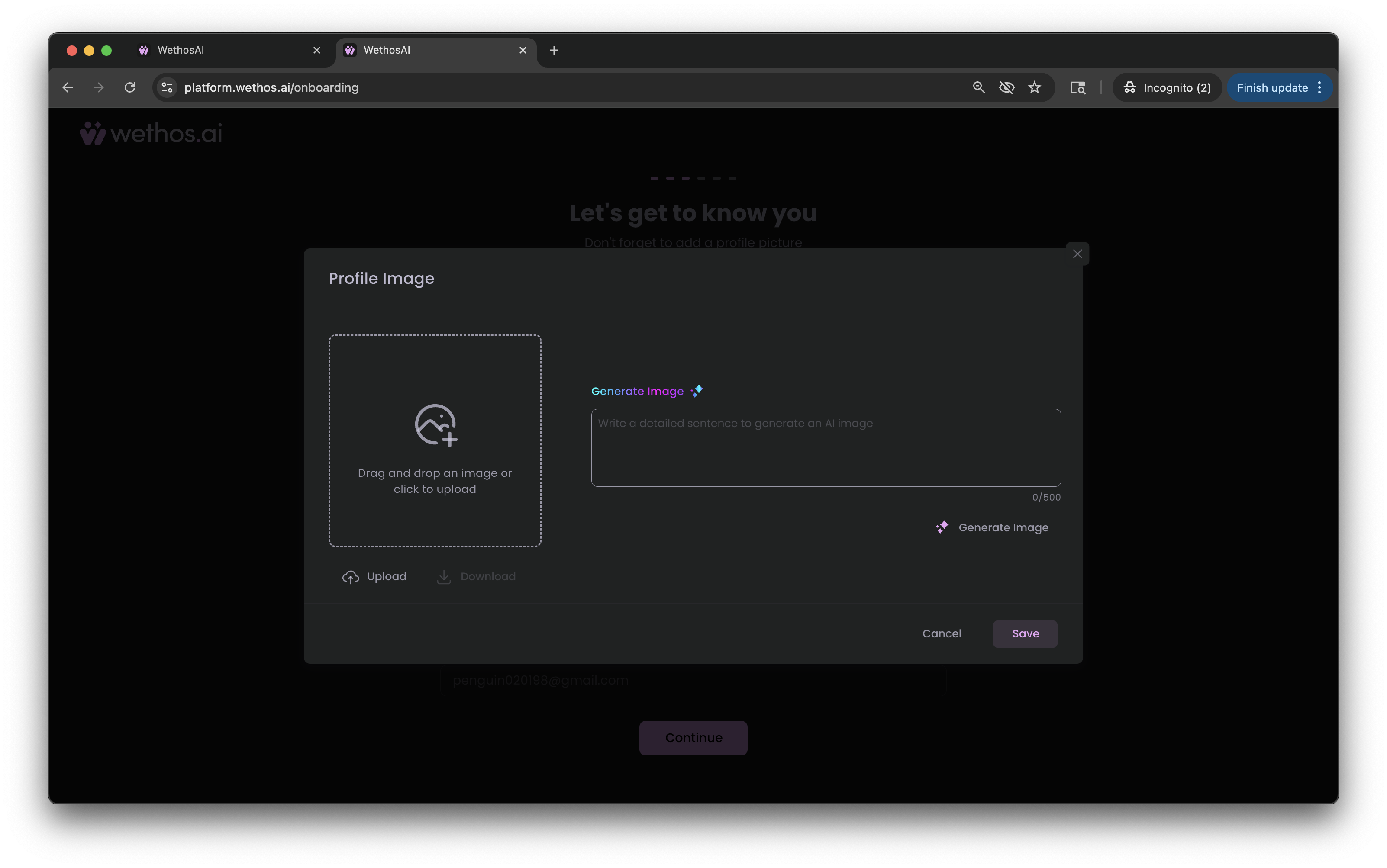
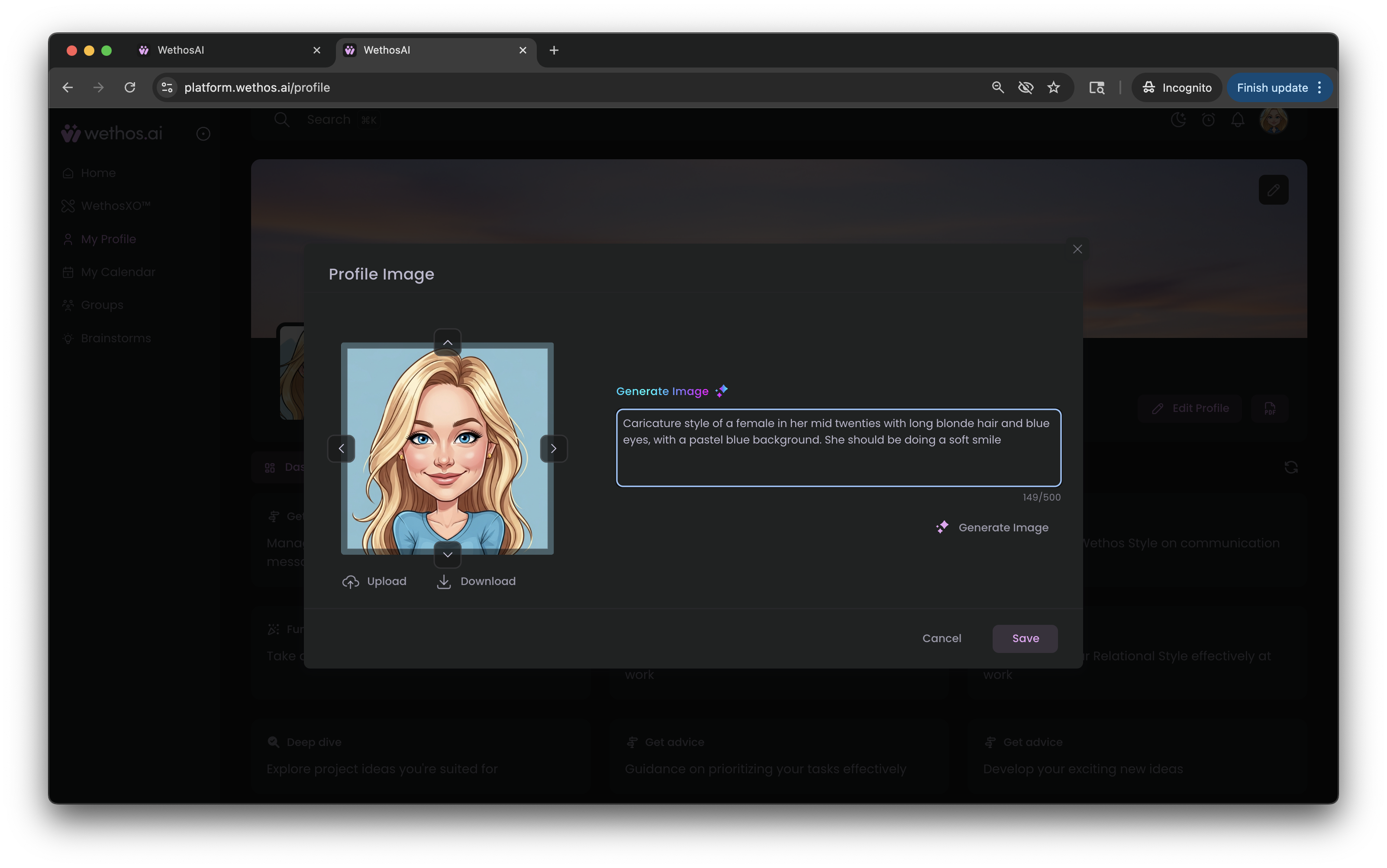
Fill in your profile details. You can add a picture now by clicking the profile icon, or add one later from your profile page.
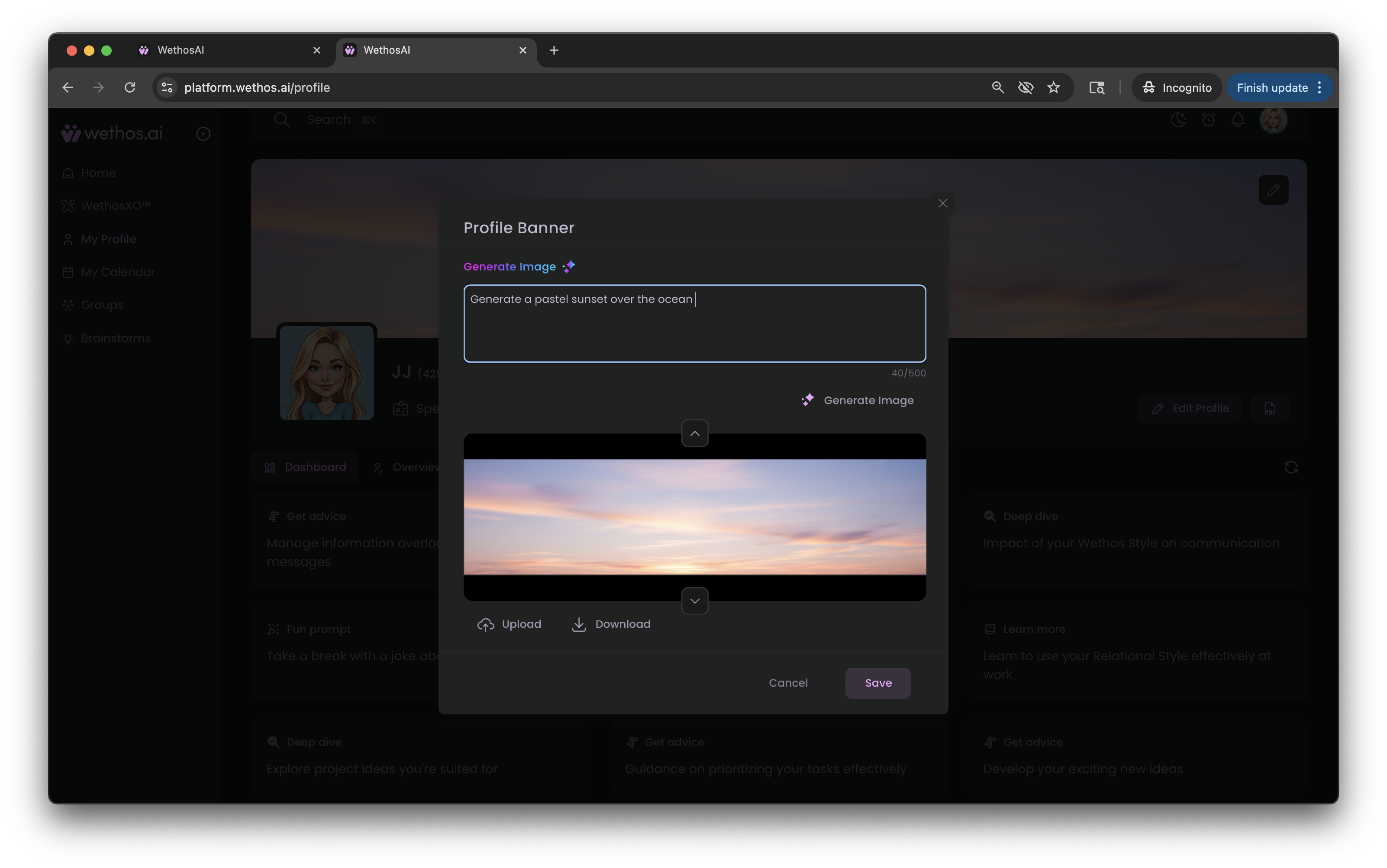
To add a picture, upload a photo, or describe one and click Generate Image. Click Save when you are happy with it.
Build your profile
Your profile is what WethosAI knows about how you work. XO reads it when it helps you, and every Brainstorm uses it to predict how you are likely to respond. There are three ways to build it:
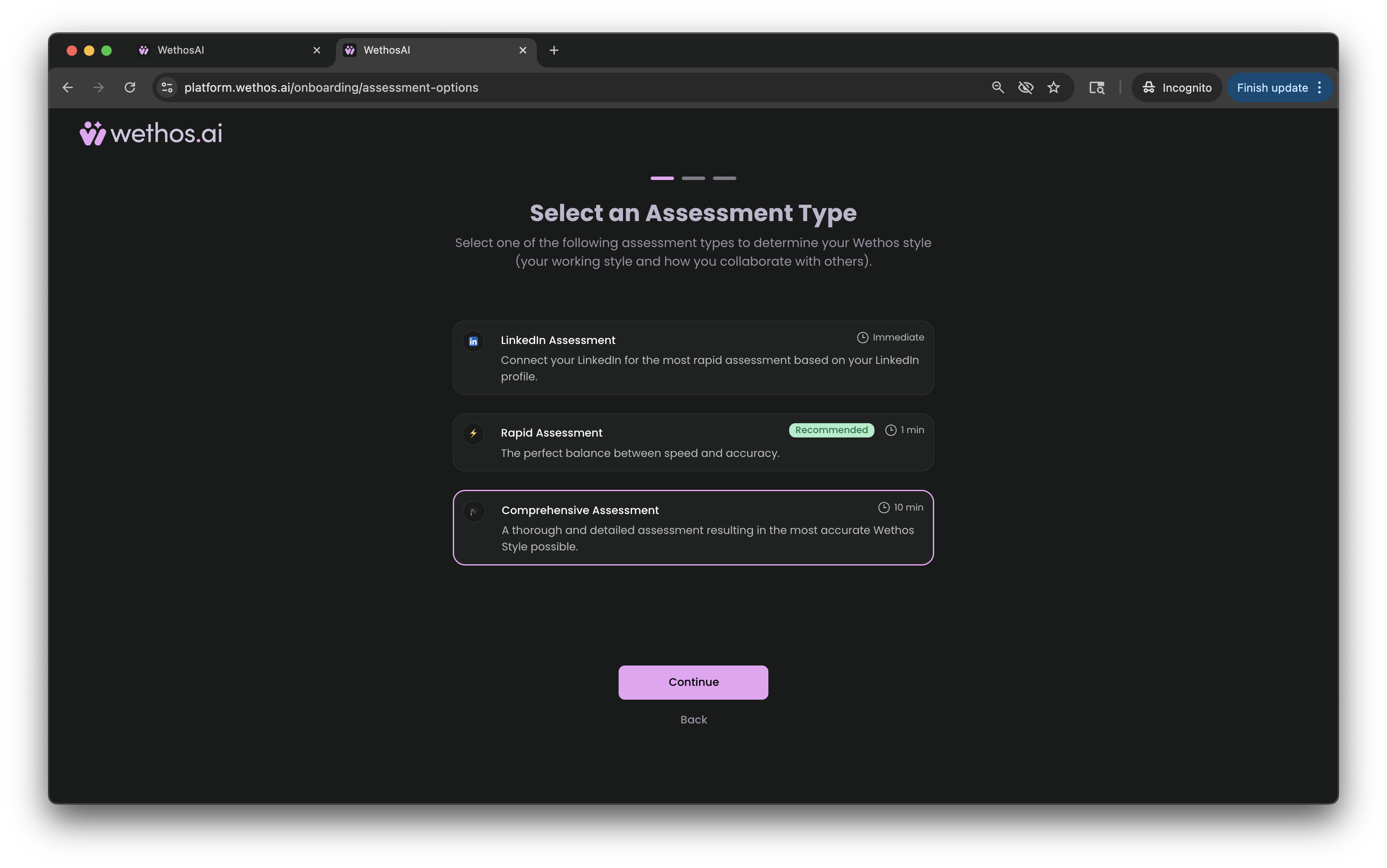
- From LinkedIn. Instant. WethosAI builds a first version from your public work history. This is the least detailed option.
- A short set of questions. About a minute.
- The full set of questions. There are 84 questions, and they take about ten minutes. This gives the most detailed profile. We recommend it if you will use the platform for decisions that matter.
Answer according to how you actually work. You can rebuild or add to your profile at any time. Building and updating your profile shows how.
Read your profile
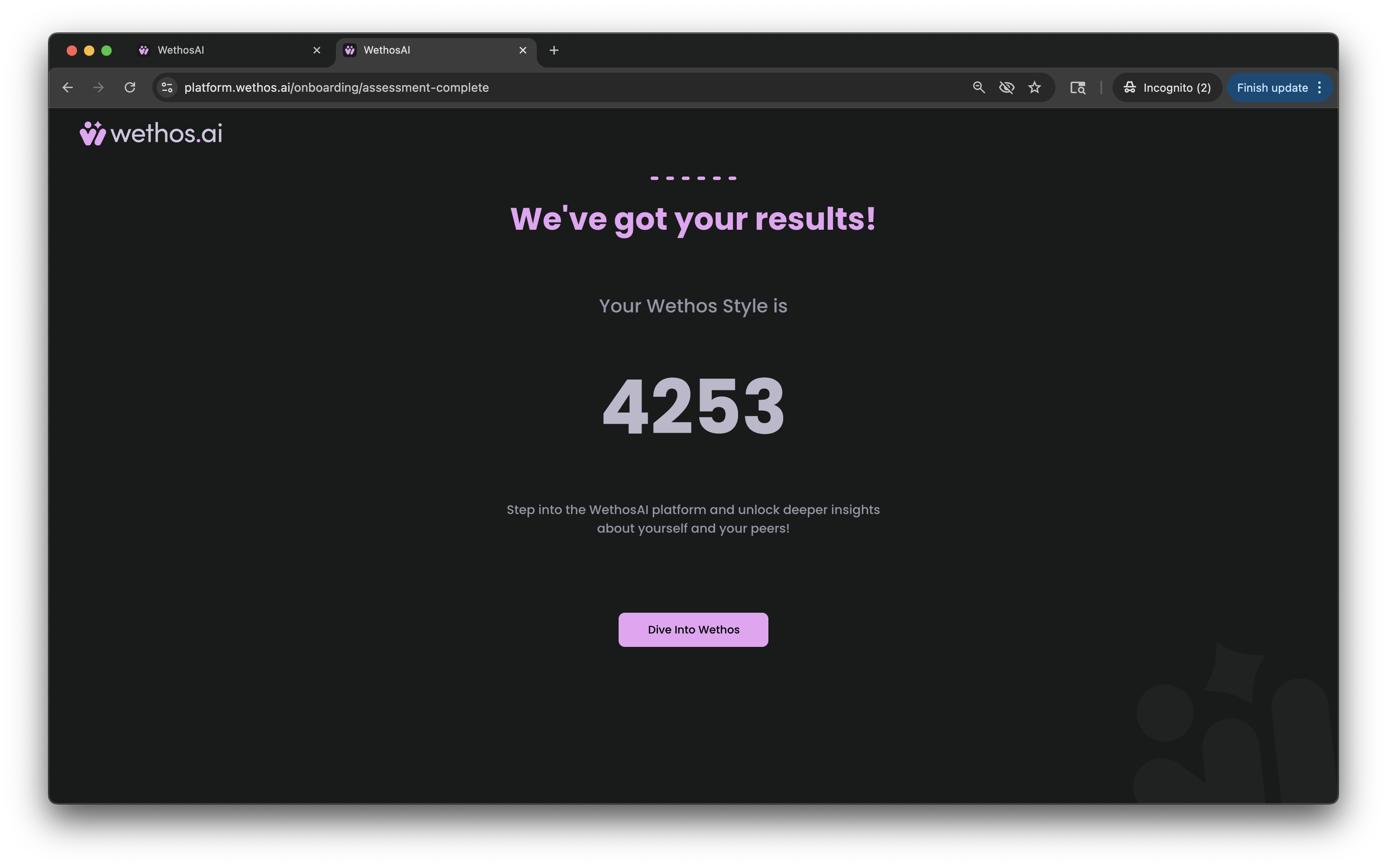
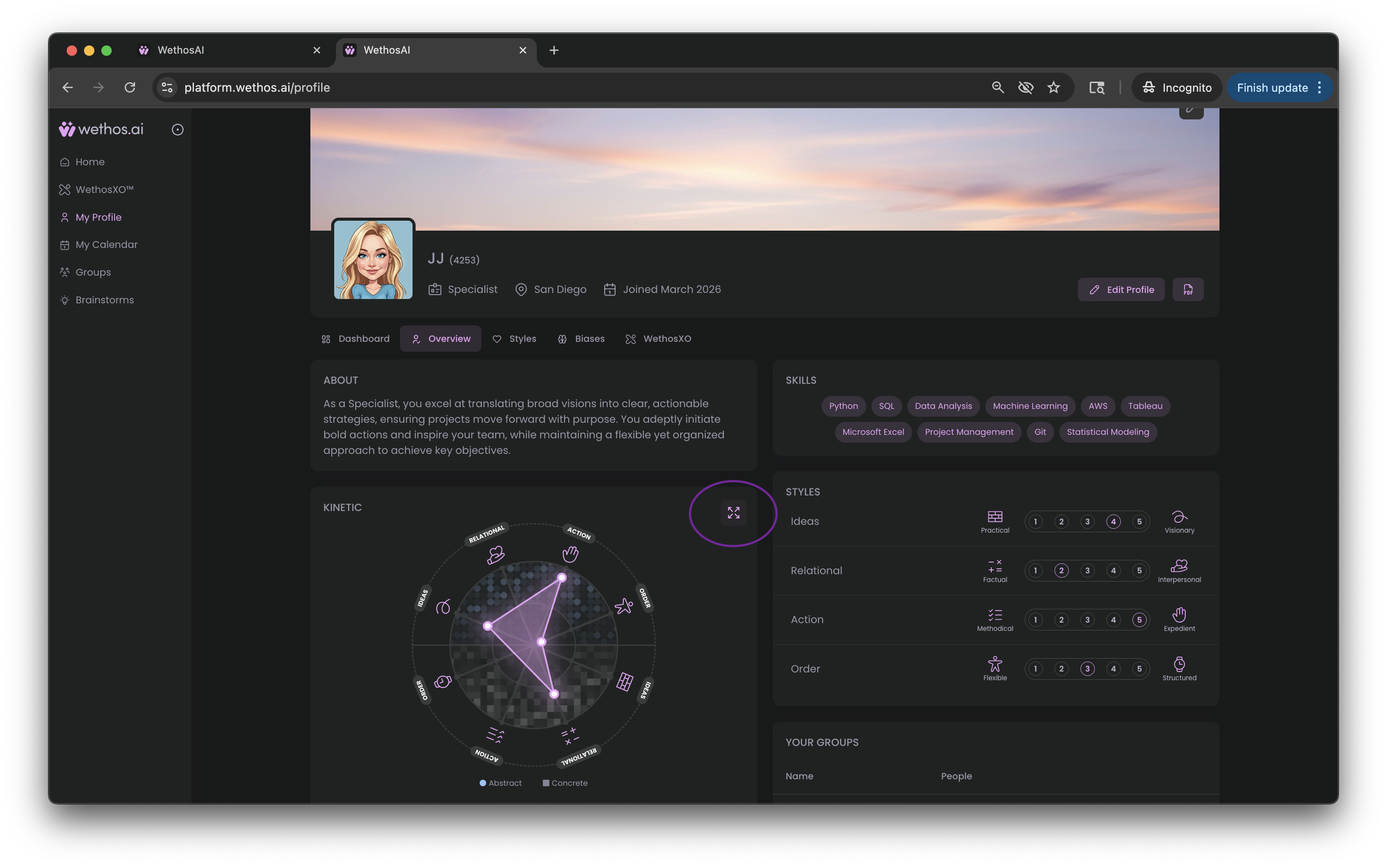
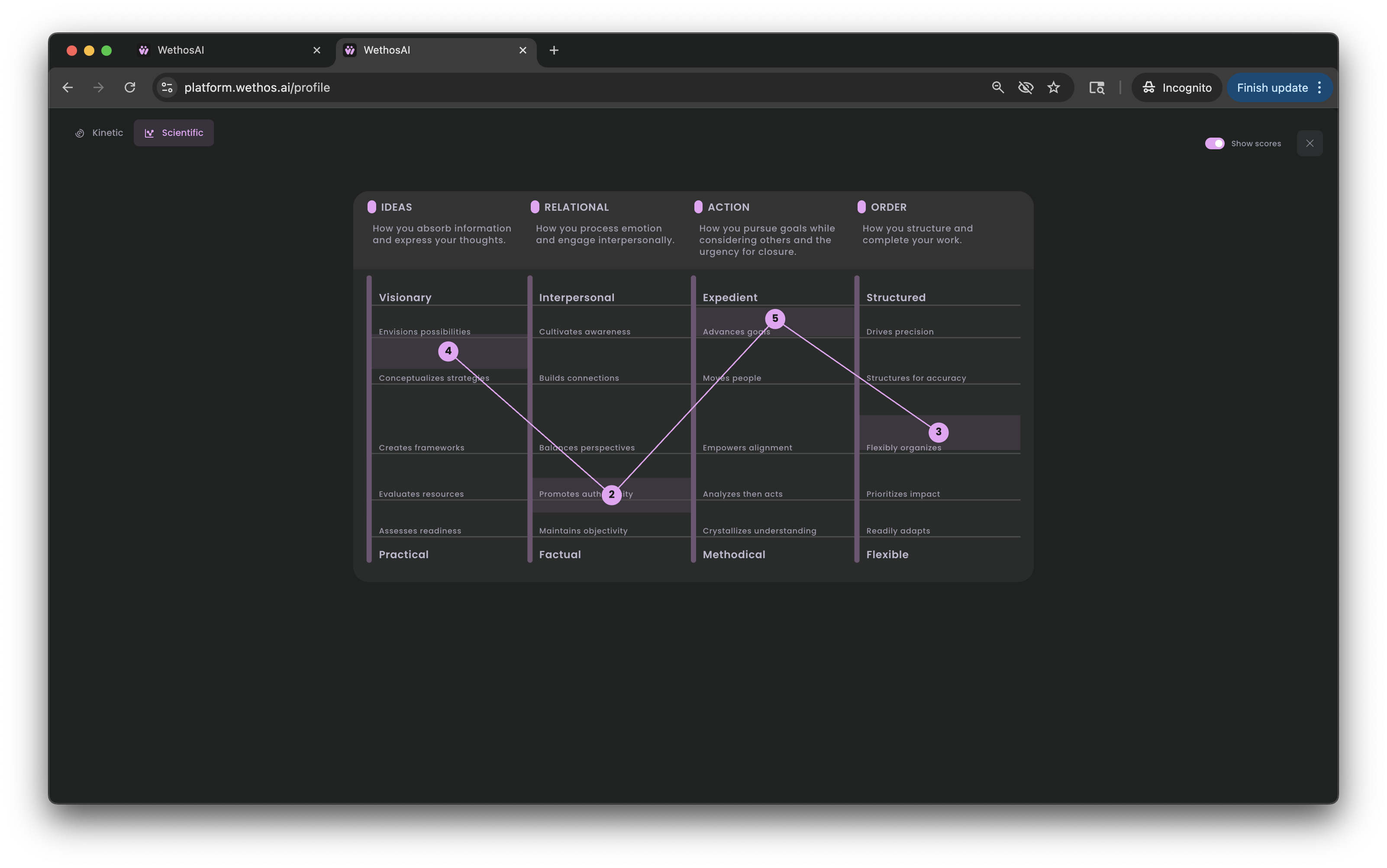
Your profile describes how you work across four dimensions. When you finish building it, you will see a summary of four digits, one for each dimension. Each digit is your position on that dimension, from 5 at one end of its range to 1 at the other.
| Ideas | Relational | Action | Order | |
|---|---|---|---|---|
| What it describes | How you take in information and explain an idea | How much attention you give to people compared with facts | How you pursue a goal and how soon you want a decision | How you structure work and decide when it is done |
| The range | Visionary to Practical | Interpersonal to Factual | Expedient to Methodical | Structured to Flexible |
There is no best position on any dimension, and most people move along the range depending on what is at stake. The four dimensions behind a profile explains each one in detail.
Meet XO
XO is the AI assistant inside WethosAI. It knows your profile and whatever context you give it, and you use it to prepare for decisions, meetings and difficult conversations. When you first log in, a short video introduces the platform.
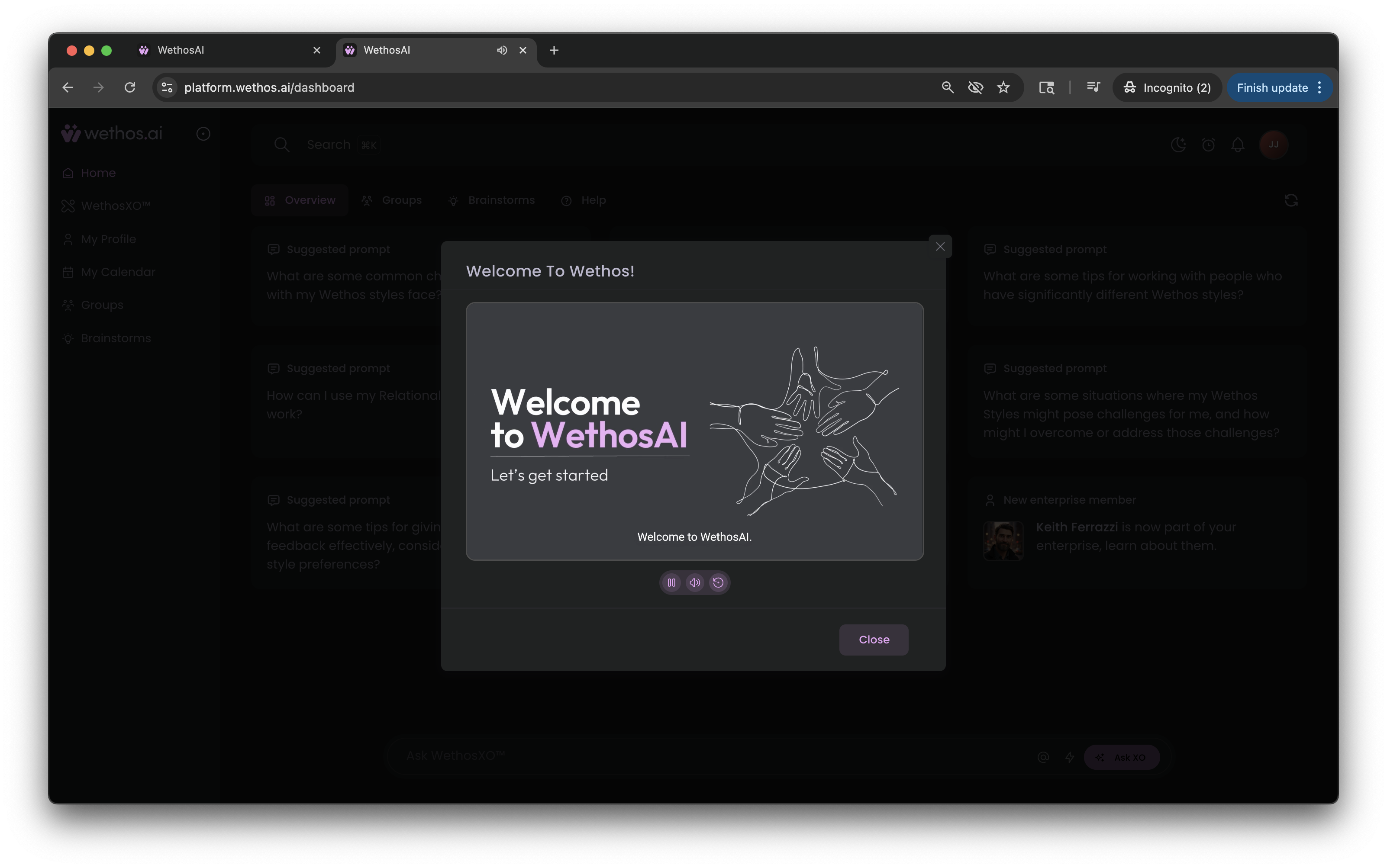
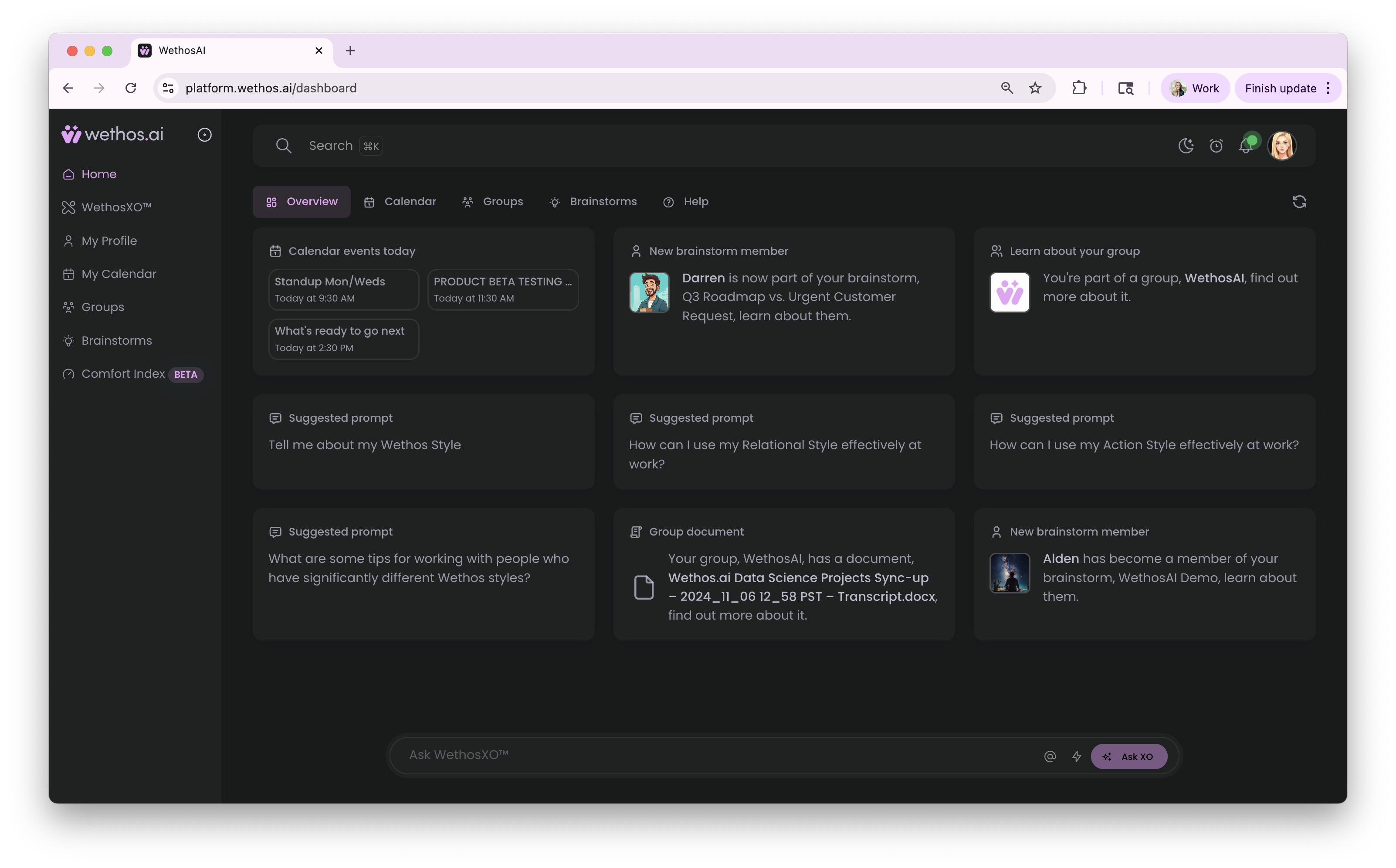
From the home page. You will see prompt cards, which are ready-made questions grouped by topic. Click any card to start a conversation with XO. The cards change regularly.
From your profile. Click your profile picture in the upper right corner, or My Profile in the left-hand menu, and ask XO a question there. Some things to try:
- "I have a decision to make this week. Help me think through who it affects and what they are likely to object to."
- "Based on my profile, what do I tend to skip when I am in a hurry?"
- "I am presenting a recommendation to people who are skeptical. How should I open?"
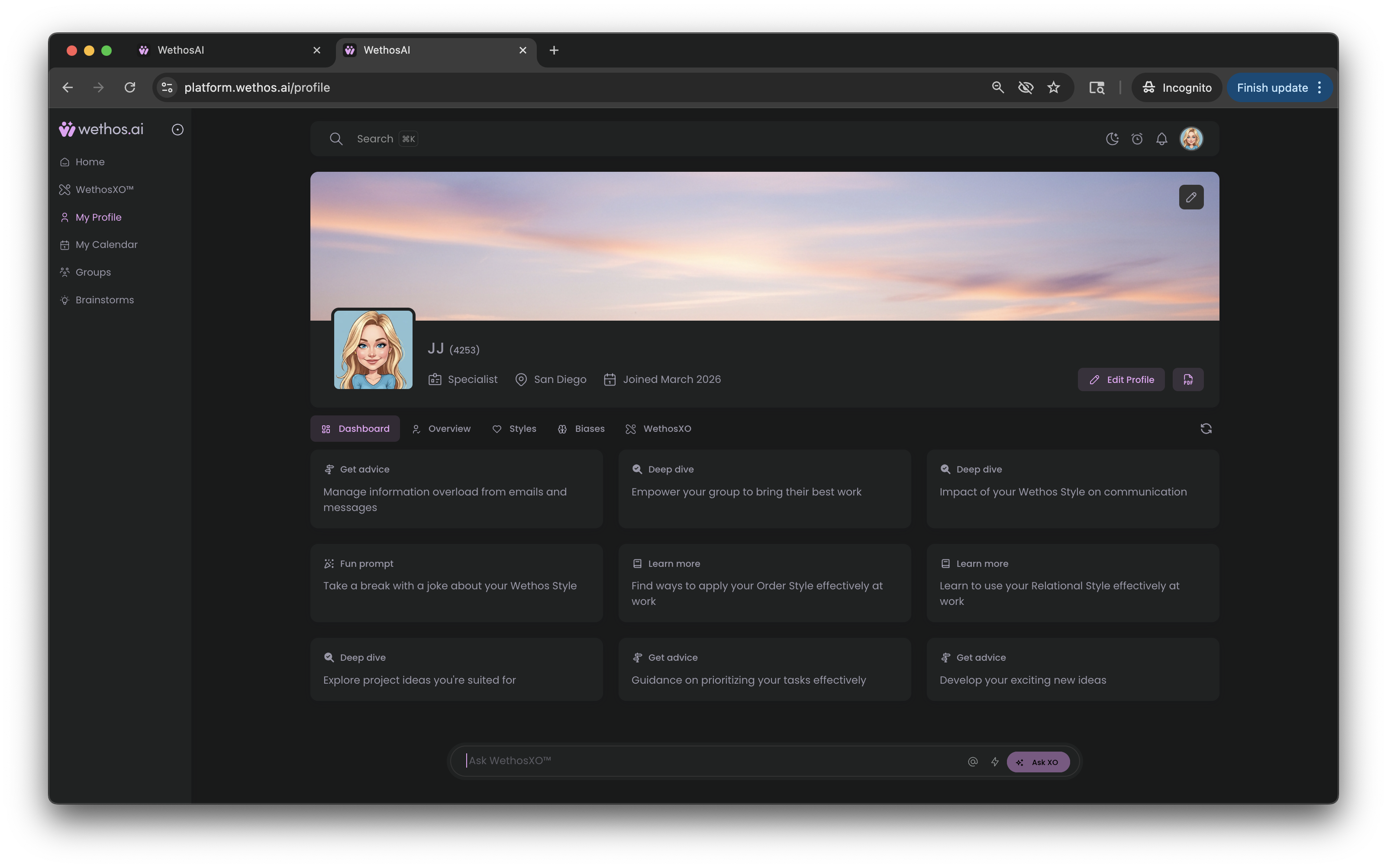
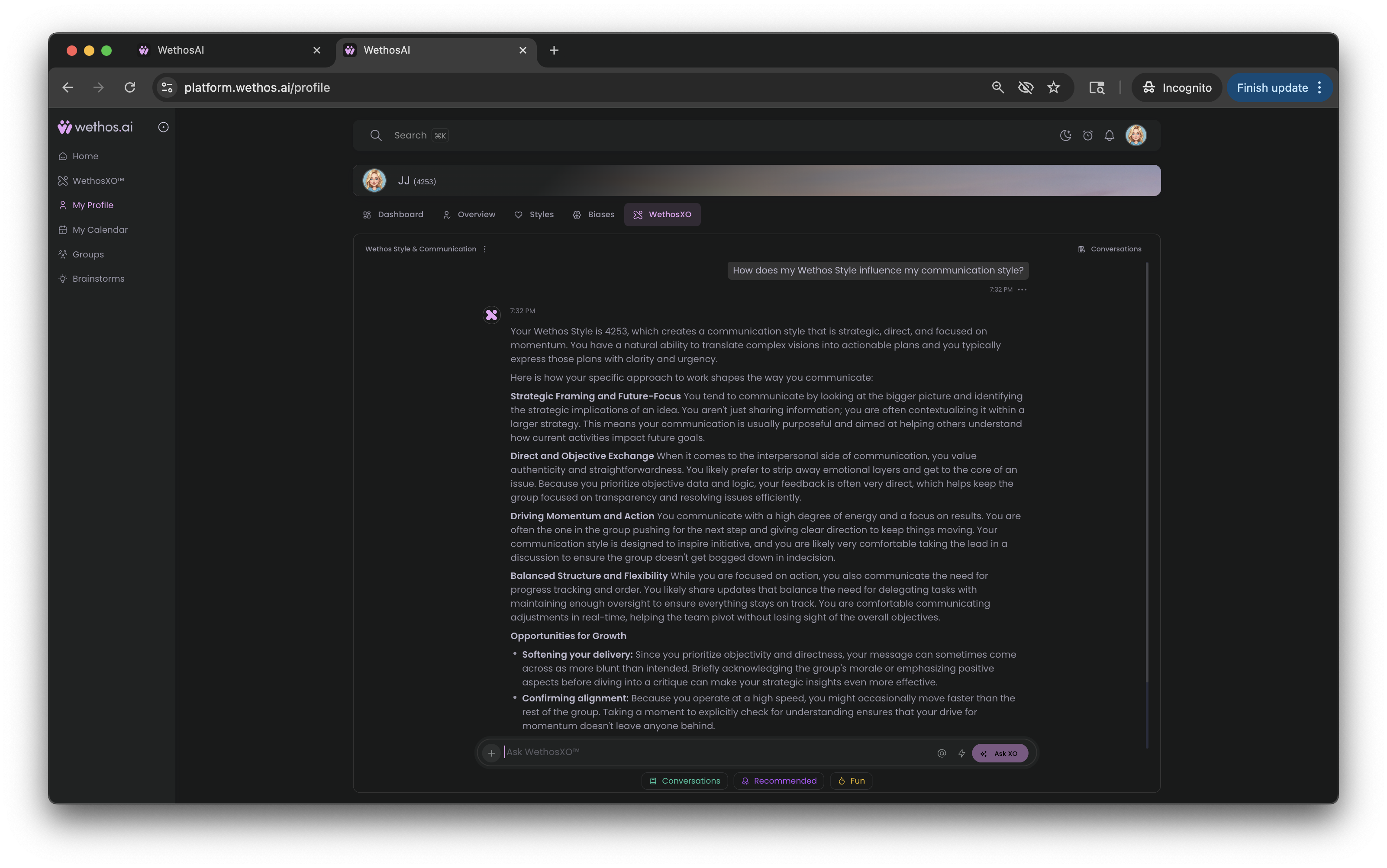
XO is available throughout the platform. Understanding and using XO explains everywhere you can find it and everything it can do.
Customize your profile page
Profile picture. On your profile page, click the pencil icon on your picture, then upload a photo or generate one.
Banner. Click the pencil icon on the banner at the top of the page, then upload or generate a banner image.
The Overview tab. Your profile page shows the four dimensions as a chart. Your position on each dimension shows where you tend to work. The closer your position is to one end, the stronger the tendency.
Click the arrows to expand the chart into a detailed view, which lists your position on each dimension. The view you leave open becomes your default.
There is a lot more to explore. This is just enough to get you started.